Add it the fast way
Tap the button in the middle and type or say what happened: “lunch 12, taxi 18 yesterday.” Monenzi reads the amounts, dates and categories on your phone. You check them and tap Add.

Private expense tracker for iPhone and Android
Type “coffee 4.50”, say it out loud, or let Apple Pay log it for you. Monenzi turns it into an entry you confirm, then shows your month, your budgets and what’s left.
No account. No bank connection. Your records stay on your phone.
Coming soon to iPhone and Android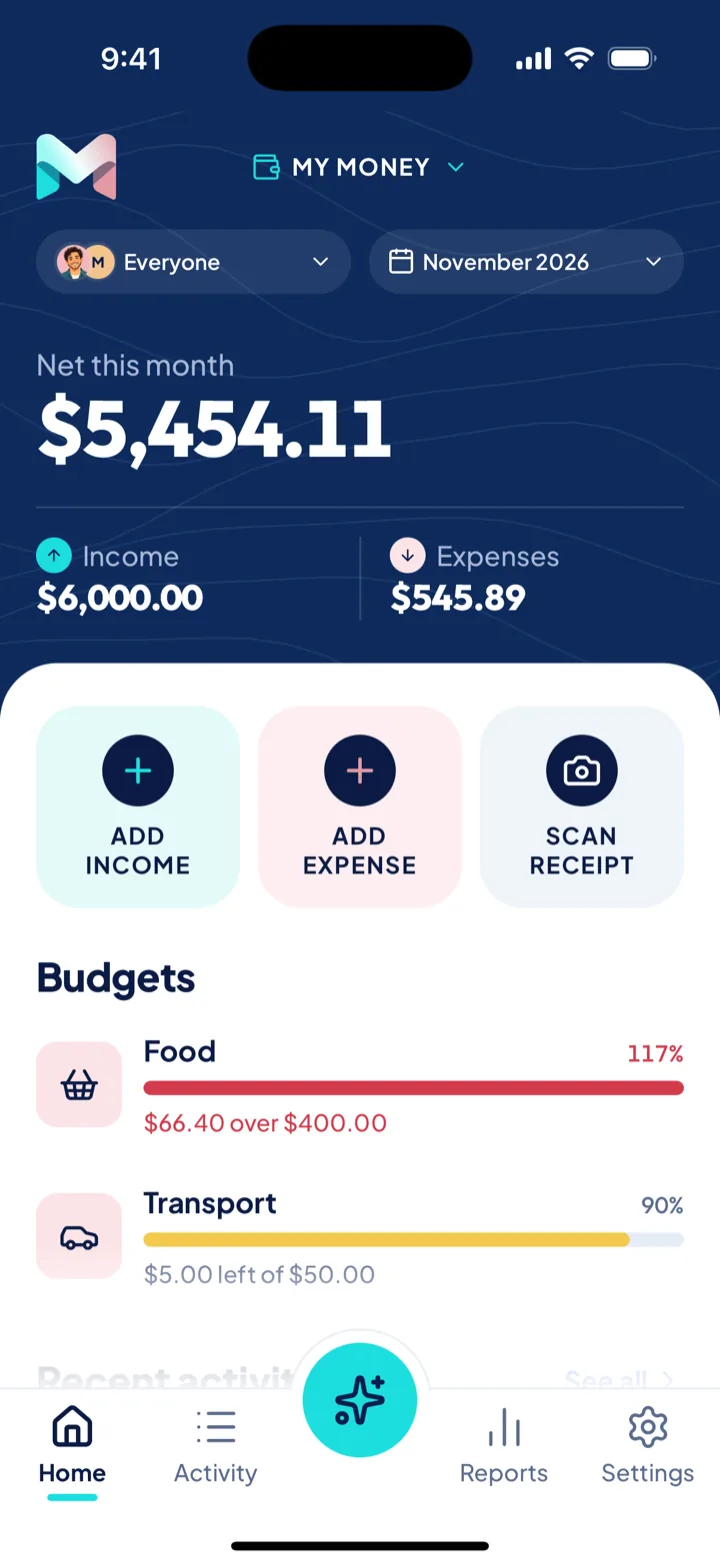
How it works
Tap the button in the middle and type or say what happened: “lunch 12, taxi 18 yesterday.” Monenzi reads the amounts, dates and categories on your phone. You check them and tap Add.
Home shows the month’s net, income and expenses, your fullest budgets and recent activity. Filter by income or expenses, or by person with Plus.
Every month stays available. Search across all of them, open any entry to edit it, see reports with Plus, or export a CSV for your spreadsheet.
Faster entry
The less effort it takes, the more likely you are to keep going. Monenzi gives you several ways to record money, and you always confirm before anything is saved.
“groceries 32, gas 45 yesterday” becomes two entries with the right date and category. Works in English, Spanish, Portuguese, French and German.
Tap the mic and talk. Speech is recognized on your phone, so your voice is never sent anywhere.
Set up one automation in Apple’s Shortcuts app. After each tap to pay, Monenzi opens with the amount and store filled in. On Android, automation apps can do the same.
Typed “Starbucks” before? Monenzi suggests the note and files it under the category you used last time. Learned on your phone only.
See what you’ve spent this month and what’s left in your budget, and tap to add an entry. Available on iPhone.
Download a CSV from your bank or spreadsheet and bring it in. Monenzi matches the columns, reads the amounts and skips anything already recorded.
Budgets · Plus
Give any spending category a monthly limit. Progress bars turn amber near the limit and red when you go over.
See it while you add. When you choose a category with a budget, Monenzi shows what’s left, or how far over this expense would take you, before you save.
Carry leftovers forward. Turn on rollover and what you don’t spend is added to next month. An overspent month never takes from the next one.
“This puts Shopping $16.00 over budget” appears while you’re adding the expense.
Spaces and people
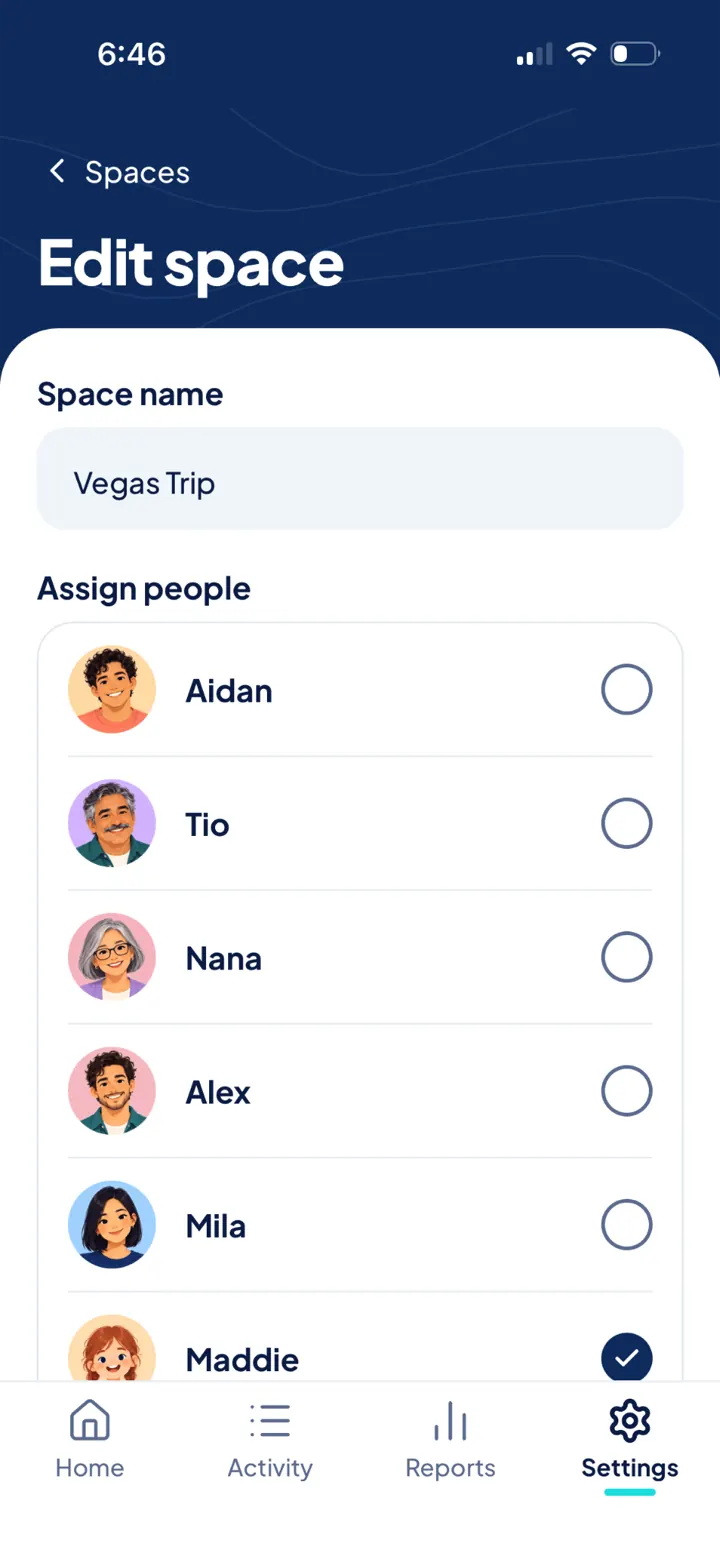
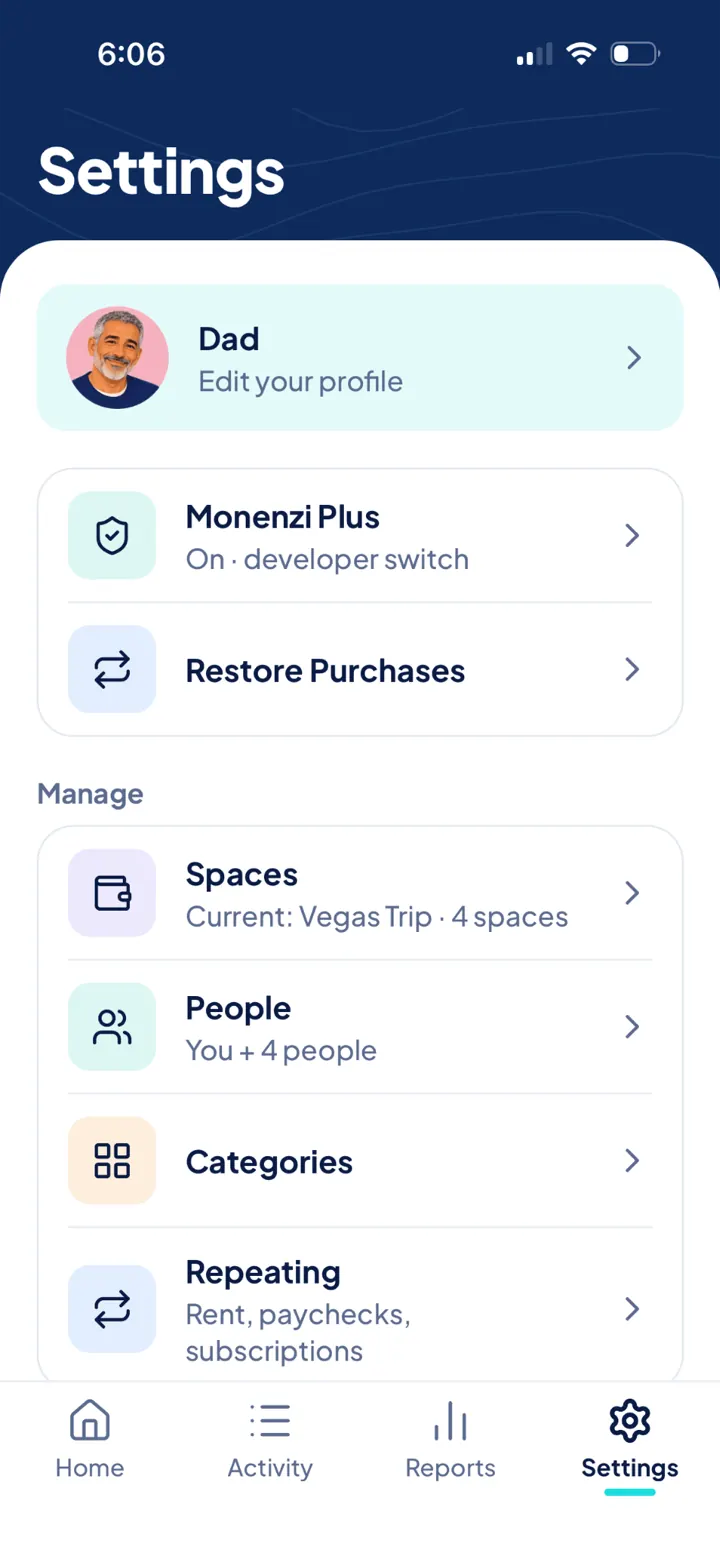
Your personal space, My Money, is ready when you open Monenzi. With Plus, create spaces for a family, a side business or a trip, each with its own entries, currency, categories, people and totals. Move an entry to another space with the same currency whenever you need to.
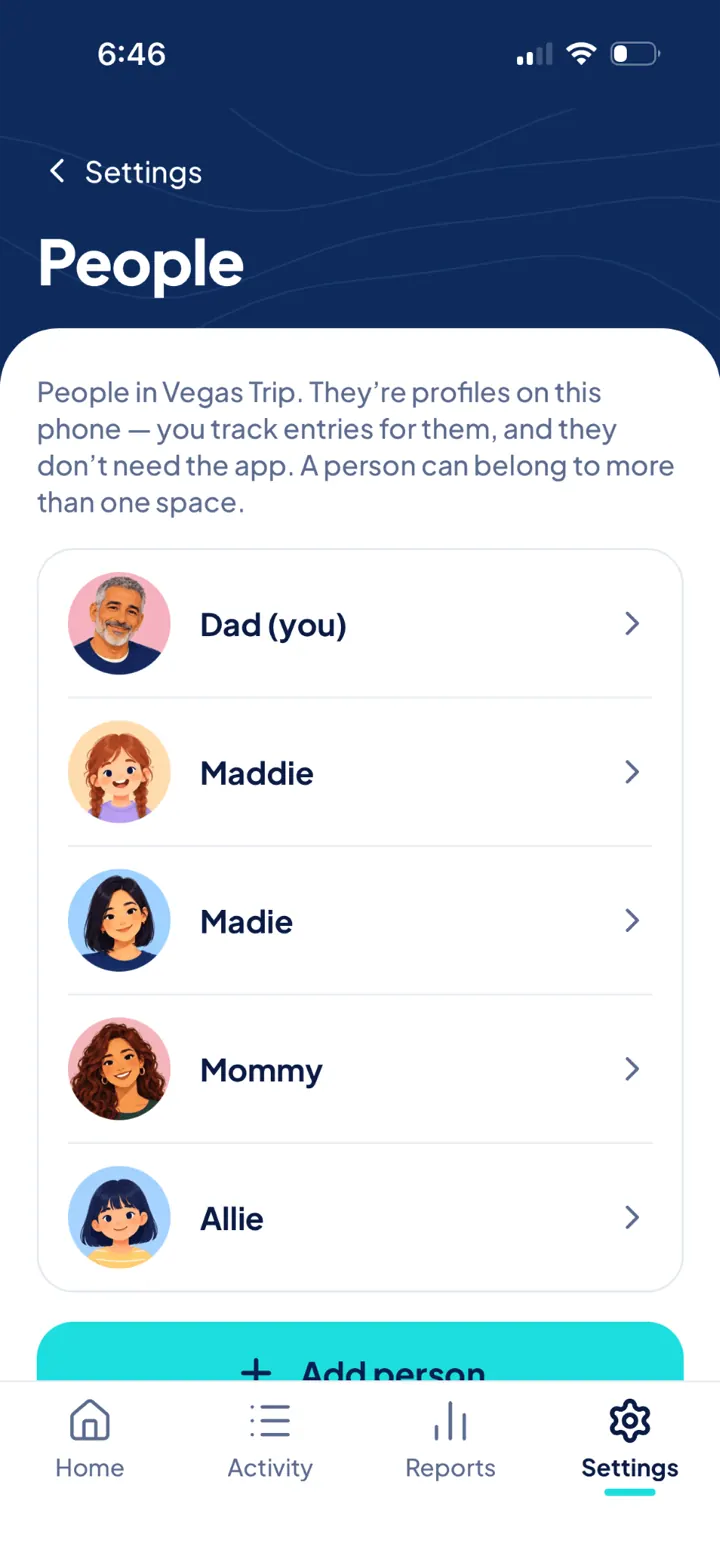
Assign an entry to a family member, roommate or teammate, or mark it Shared. With Plus, filter by person to see their income and expenses. People are labels on your phone; they don’t need the app.
Choose from 120 illustrated avatars, or use a colored initial.
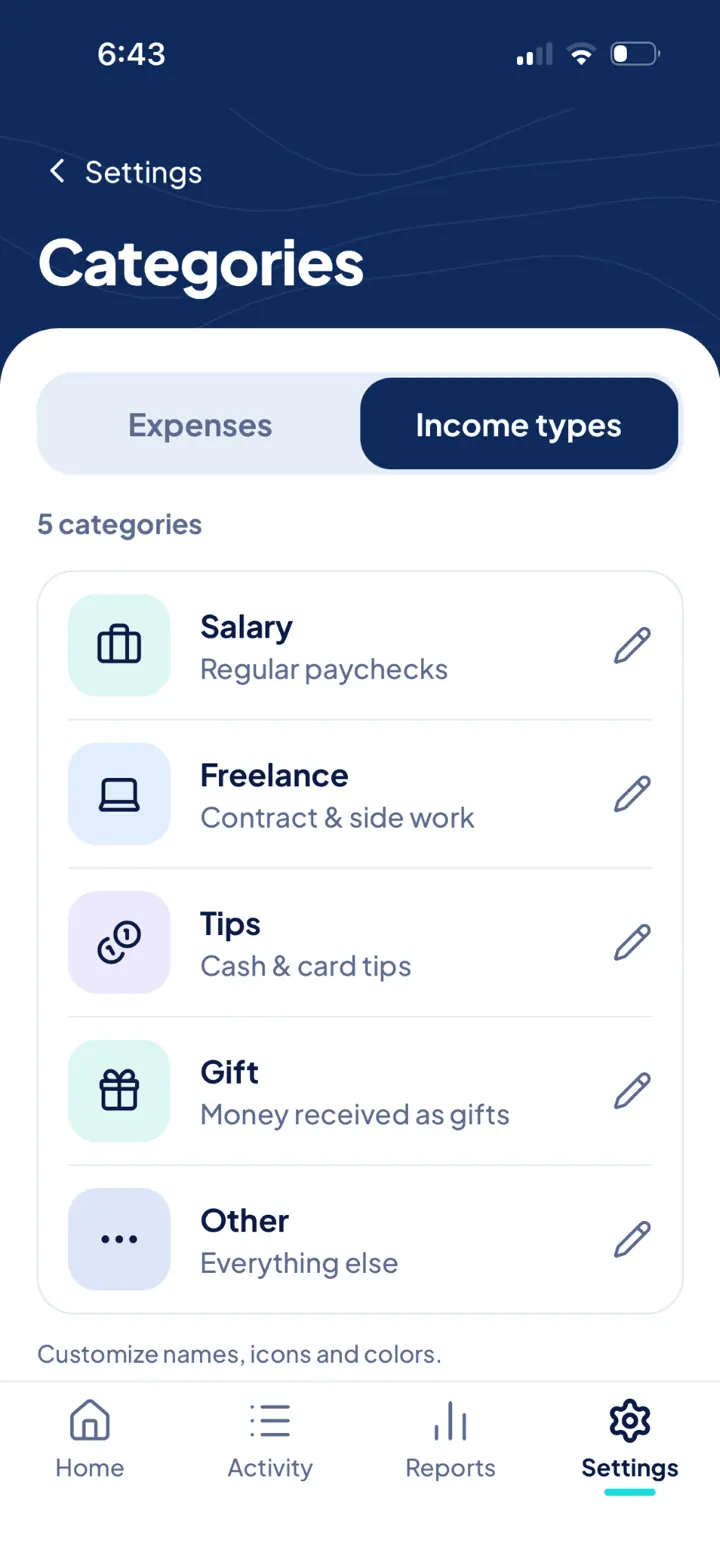
Rename categories, choose icons and colors. Reports use the same colors.
Receipts
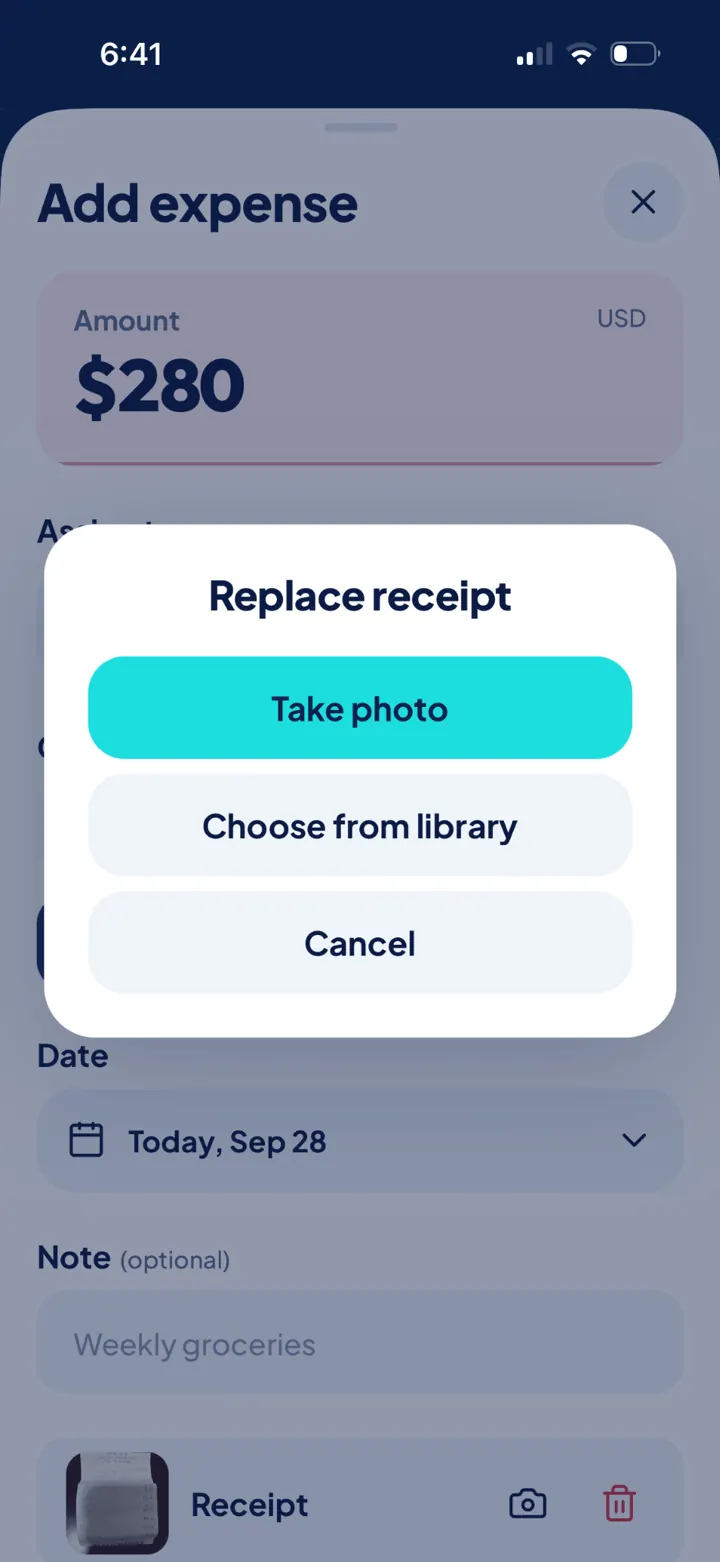
Attach a receipt from your camera or photo library on any plan, and zoom in whenever you need to read it. Monenzi saves an optimized copy with the entry and leaves your original photo untouched.
Need the total? (Plus) Monenzi reads the receipt on your phone and may suggest an amount for you to review. If it finds several plausible amounts, you choose. It never replaces an amount you’ve typed, and nothing is saved until you confirm.
Reports and search
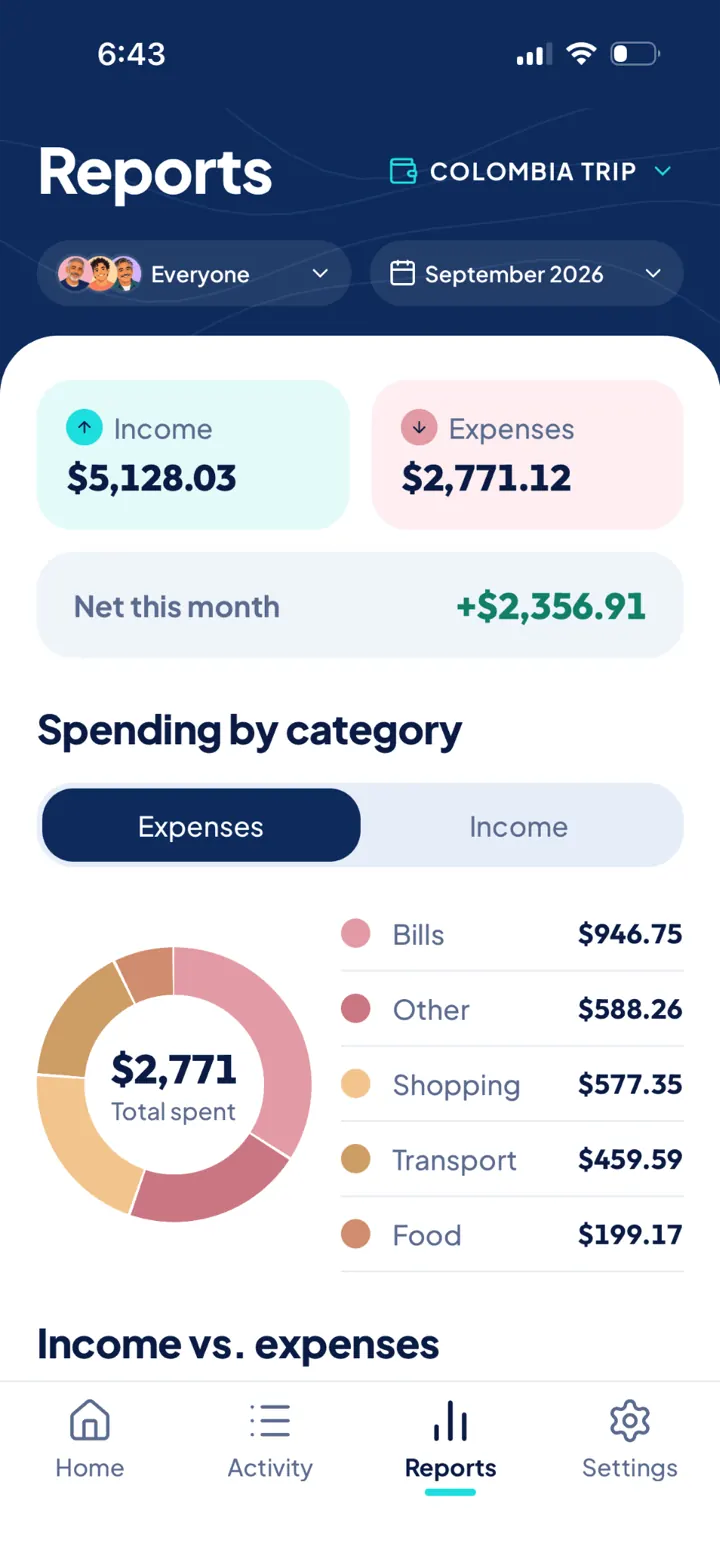
With Plus, see spending and income by category in each category’s own color, and compare the last three months.
On every plan, search across every month and export any period to CSV for Excel, Numbers or Google Sheets.
Private by design
Monenzi has no servers that store your entries. Typed entries, voice, receipt reading and category memory all work on your phone. Your data leaves it only when you choose to.
No sign-up, email or password. Monenzi never asks for bank credentials.
Require Face ID, fingerprint or your phone’s passcode to open Monenzi. The app switcher and widget hide your amounts while it’s locked.
Your iPhone’s iCloud Backup includes Monenzi; on Android, your Google backup includes your entries. They go to your own account, never to Monenzi.
Save a complete backup with receipt photos to Files or a drive. Before a restore, Monenzi checks the file and keeps a safety copy you can undo to.
English, Spanish, Brazilian Portuguese, French and German. Dates and numbers follow your phone’s region.
Record, search and review without a connection. No ads, and this website loads no tracking scripts.
Spaces, people, categories, budgets, repeating entries, backup and App lock are all in Settings.
Free and Plus
FreePlusEverything in Free, plus:
Planned US price: $2.99 per month or $19.99 per year, with a one-week free trial for new subscribers.
The yearly plan is about 44% less than paying monthly for 12 months. On iPhone, Plus can be shared with up to five family members through Family Sharing (each person’s records stay on their own phone). Final prices, trial and renewal terms appear in the app store before you subscribe.
If Plus ends, nothing you saved is deleted or hidden. Spaces, people, budgets, receipts and repeating entries stay available; only the Plus features themselves stop until you subscribe again.
Frequently asked questions
Yes. With Plus you can set a monthly limit for any spending category, see progress bars on Home, and see what’s left while you add an expense. Leftovers can roll over to the next month. Without budgets, Monenzi is still a complete record of your income and expenses.
No. Monenzi never asks for bank logins. With Plus you can import the CSV file your bank lets you download, and on iPhone you can log Apple Pay payments automatically with Apple’s Shortcuts app. You confirm everything before it’s saved.
No. Open Monenzi and start in My Money. There’s no sign-up, no email and no password.
No. Your entries, receipt photos, typed and spoken entries, and receipt reading all stay on your phone. Monenzi has no servers that store your money records. Your data leaves the phone only in a backup or export you create, in your phone’s own iCloud or Google backup, or when you use the optional AI assistant (Plus), which receives your question and a summary of totals and stores nothing.
No. Voice uses your phone’s on-device speech recognition. If your phone can’t recognize your language offline, Monenzi doesn’t offer voice rather than sending audio anywhere. Typing works the same way.
Not yet. Today, people help organize entries on one phone. We’re planning Track together: pair two phones with a QR code and keep a shared space in sync directly between them, without any cloud account.
On iPhone, iCloud Backup includes Monenzi automatically, entries and receipt photos. On Android, your phone’s Google backup includes your entries; keep a Monenzi backup file for receipt photos. You can also create a backup file at any time and restore it on the new phone.
No. Monenzi shows what’s due or missed, and you confirm each one before it affects your totals.
With Plus, Monenzi reads the receipt on your phone and may suggest the total. You review it, choose between amounts when there are several, or type it yourself. It never replaces an amount you already entered.
Nothing you saved is deleted or locked. Spaces, people, budgets, receipts and repeating entries stay visible and usable; only the Plus features themselves, like creating more spaces or reports, stop until you subscribe again.
Coming soon
Monenzi makes everyday money tracking quick enough to keep up with, and clear enough to be useful later.
Coming soon to iPhone and AndroidQuestions or want to know when it launches? hello@monenzi.app